
POLYURETHANE SCREEN MEDIA
Tensioned Polyurethane Screen Panels
Tensioned polyurethane screen panels are replacement screen media reviewed after the overall dimensions, aperture, hook edges, tension direction and deck frame are documented together.
The current screen and frame establish the reference. A similar-looking panel or a single hook image does not confirm a replacement configuration.
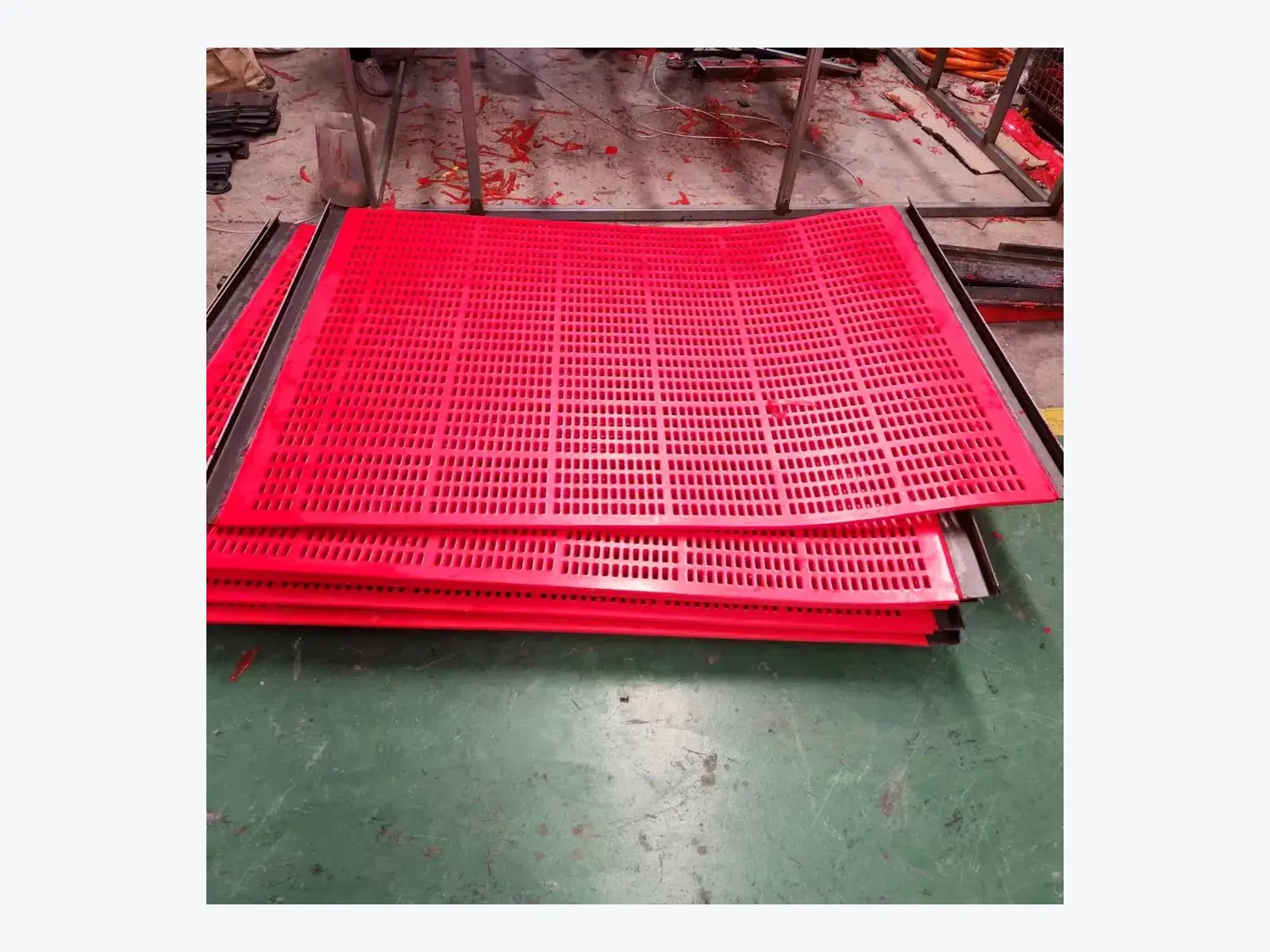
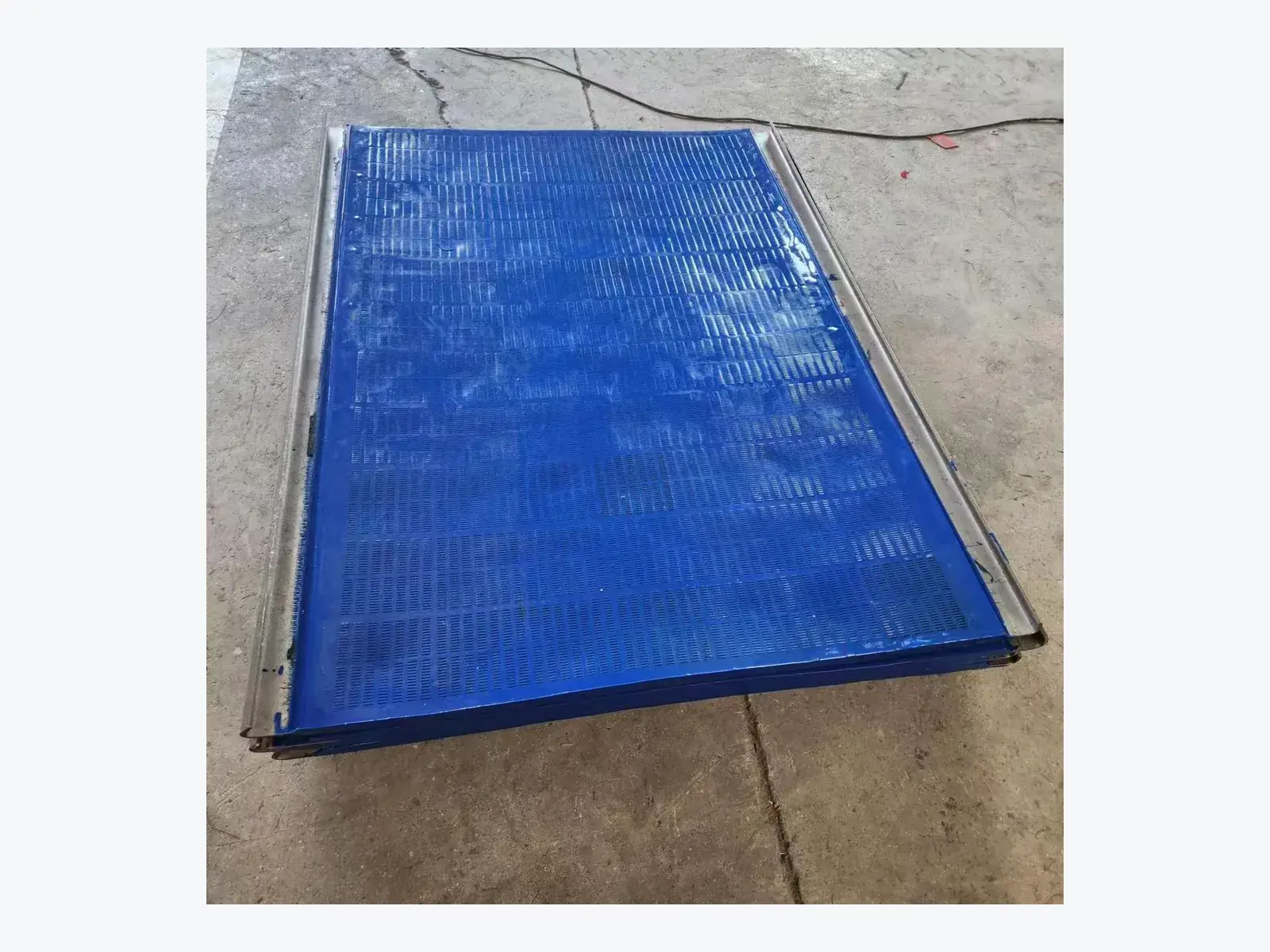
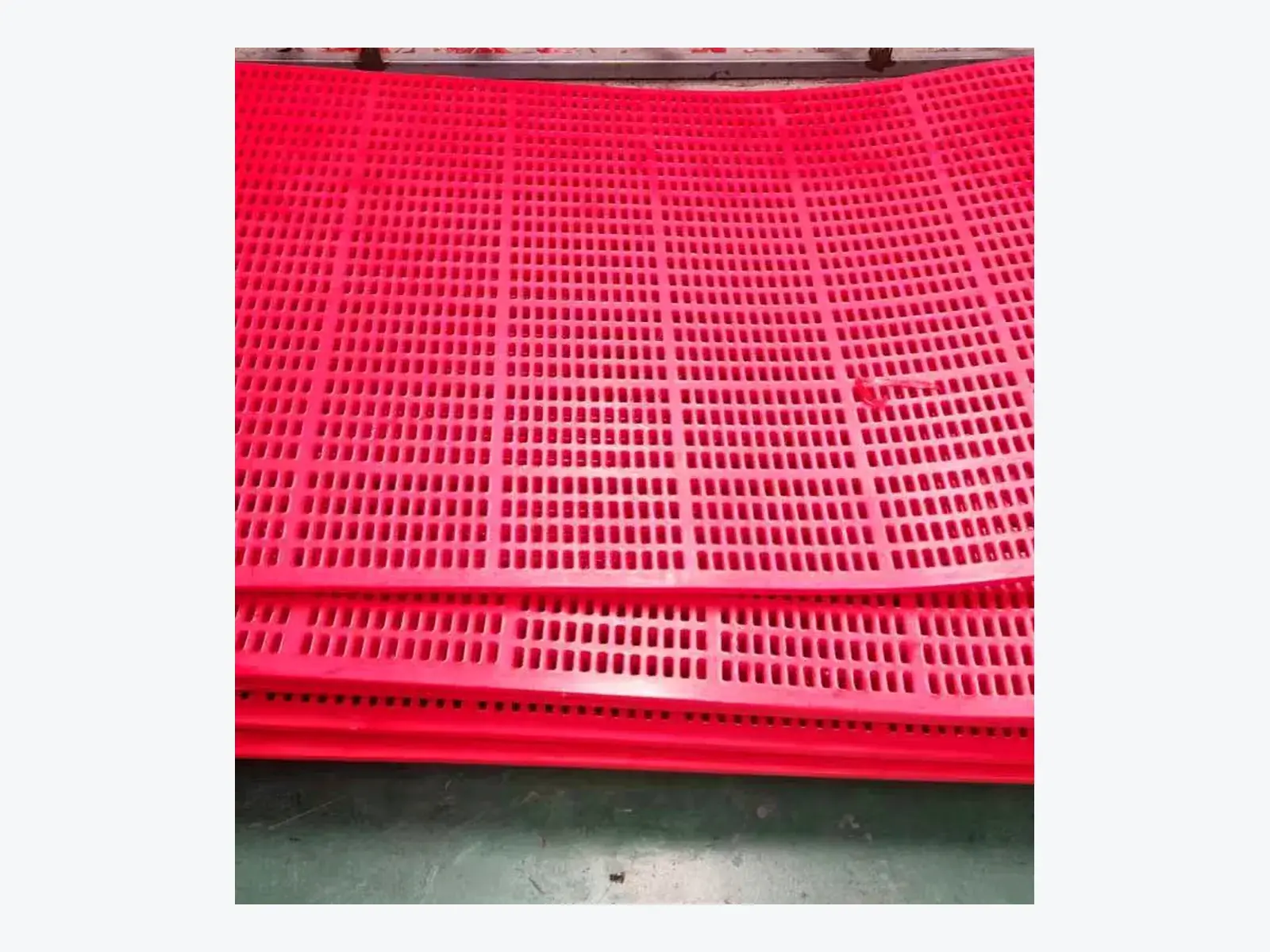
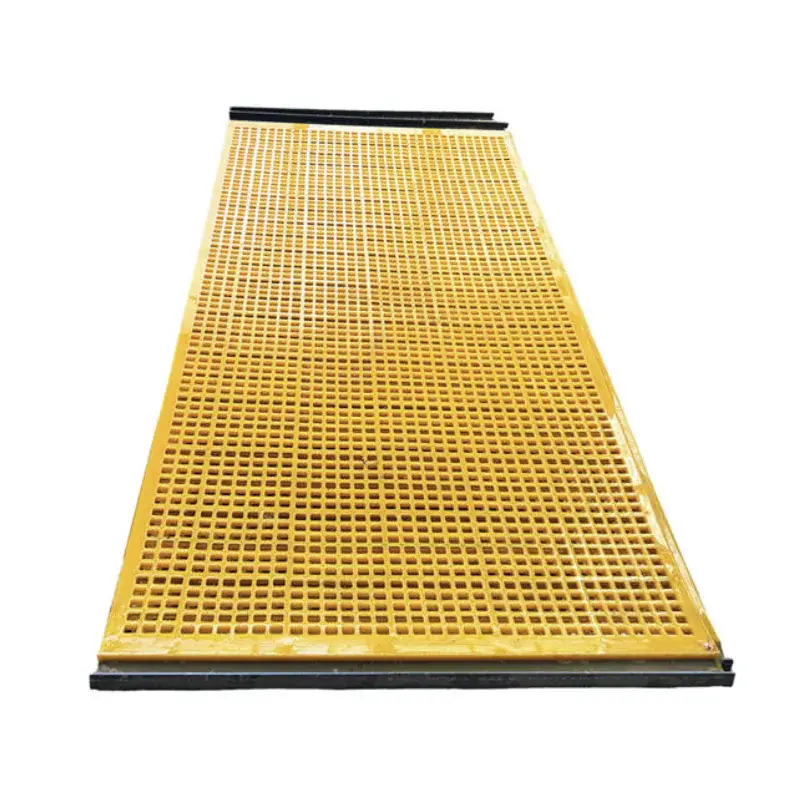
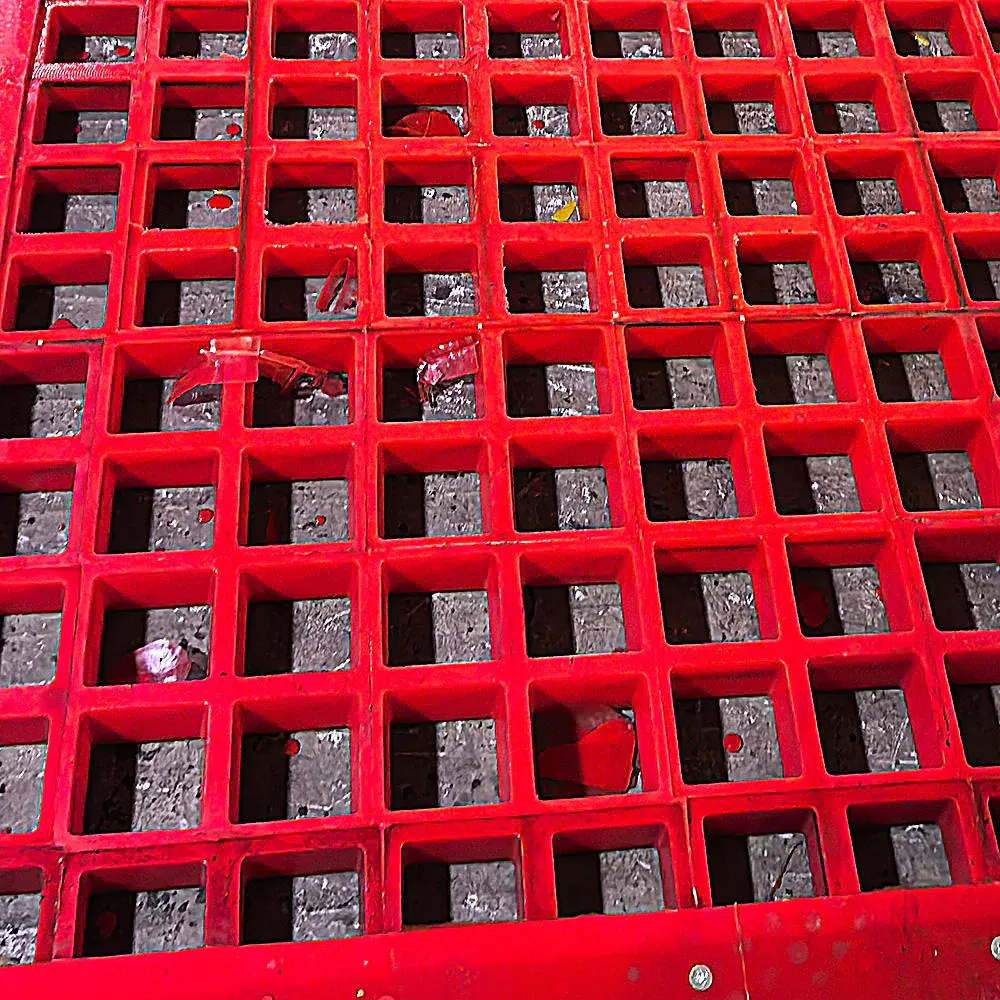
Full-panel, hook-edge and aperture views of tensioned polyurethane screen media.
Quick product attributes
Confirm the complete tensioned-screen reference
The panel body, both hook edges and the installed deck frame need to be read as one replacement system.
- Product form
- Hook-edge replacement screen media
- Primary reference
- Complete panel and installed deck evidence
- Hook-to-hook review
- Both edge profiles and the overall outline
- Tension direction
- Side- or end-tension evidence from the deck
- Aperture evidence
- Form and direction from the current panel
- Panel evidence
- Outline, thickness and visible support details
- Deck evidence
- Frame contact, supports and installed orientation
- Confirmation boundary
- Final fit follows technical review
Hook-to-hook review
Understanding Tensioned Screen Fit
Tensioned polyurethane screen media is retained through its hook edges by the installed tensioning arrangement. This differs from individually fixed modular panels; a matching outer size does not establish the same retention or deck contact.
Compare Both Hooks and the Frame
Compare both hooks with the same panel and frame. A familiar profile may meet a different contact surface or sit differently on the installed deck.
Both hook profiles
Compare each hook's shape, edge direction and contact surface with the frame it meets. Keep both edges tied to the same screen position.
Hook-to-hook and outline
Relate the distance between the hooks to the complete outline and installed frame. Outer dimensions or one loose edge alone do not establish fit.
Distorted or incomplete references
Mark bent, torn or missing areas. A damaged screen may not retain its working shape; separate uncertain sample measurements from details confirmed on the deck.
Tension Direction and Support Arrangement
Identify where the installed tensioning arrangement acts and how the panel meets its supports. Hidden contacts remain unconfirmed; an aperture photograph does not resolve them.
Side or end tension
Side and end systems act on different edges. Record the installed arrangement against the frame and material-travel direction; do not infer it from a loose panel.
Support contact and separate parts
Check the visible hook seating and support contacts. Worn rails, protection, capping or tensioning parts need separate review; a new screen does not repair them.
Inspect only under the site's safe-isolation procedures. Do not alter installed parts to make a sample fit.
Aperture and Installed Orientation
Mark the opening direction, blank support zones and the panel's installed position relative to material travel. Keep those features tied to their supports and neighbouring screens; do not assume that a familiar aperture pattern allows the panel to be rotated or moved.
Representative evidence
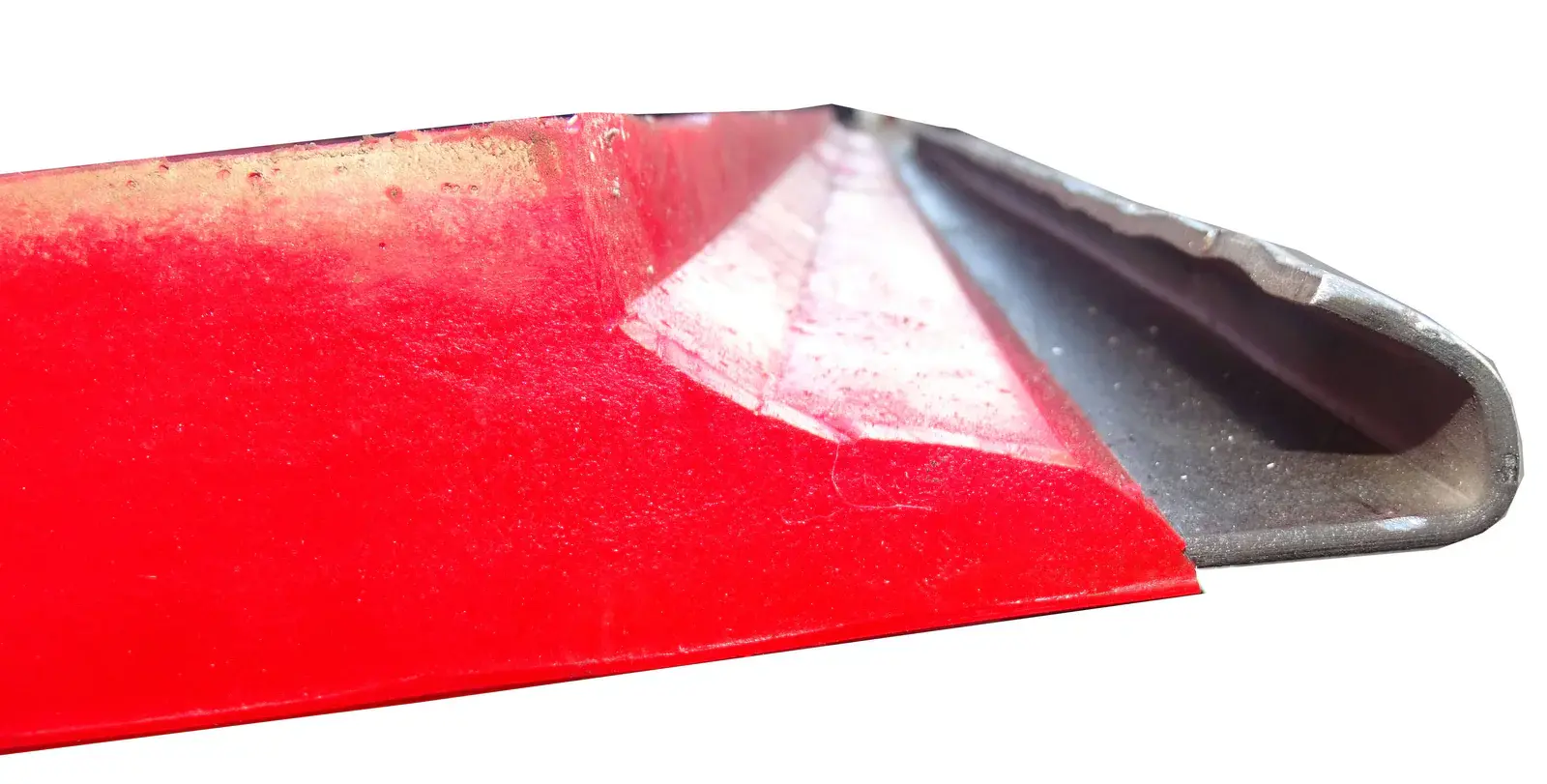
Hook edge, panel and aperture views
The hook-edge reference is shown prominently because it is central to reviewing the current tensioned arrangement.
Replacement checklist
Replacement and Quotation Next Steps
You can begin without an exact part number, final hook dimensions, confirmed apertures, concealed construction details, a full drawing or a complete deck specification. Share what you have and mark unknowns; measurements, photographs and drawings can be clarified during review.
One screen position
Identify its deck position and compare the nearest screen, supports and retaining edges. A loose sample may omit the frame contact at that position.
A set of screens
Label the required positions and quantities. Keep different outlines, hooks or support arrangements separate rather than assuming the whole set uses one replacement.
- Full panel face, underside, both hook edges and a side profile
- Overall outline and thickness measured from the current screen
- Aperture form and direction from the installed panel or drawing
- Side- or end-tension direction, recorded as installed rather than assumed
- Deck frame, support contact, tensioning area and adjacent-screen photographs
- Material, wet or dry duty, target separation, quantity and destination
- Drawing, old sample and visible construction details for review
Operating context and confirmation boundary
Material, wet or dry duty, target separation, quantity and destination provide quotation context. They do not define a fixed design, operating result or universal deck interface. Final outline, hooks, aperture and installed contact remain subject to technical review.
If separate rail protection or capping is present, document it before you review installation accessory requirements.
Questions
Tensioned screen replacement review
Can hidden construction be confirmed from a photo?
Only construction details visible in photographs can be documented. Concealed construction needs a drawing, sample or further technical confirmation before quotation.
What cannot be confirmed from a product image?
A product image cannot establish final fit, aperture dimensions, construction details, operating result, service life or commercial terms. These remain subject to the technical and quotation review.